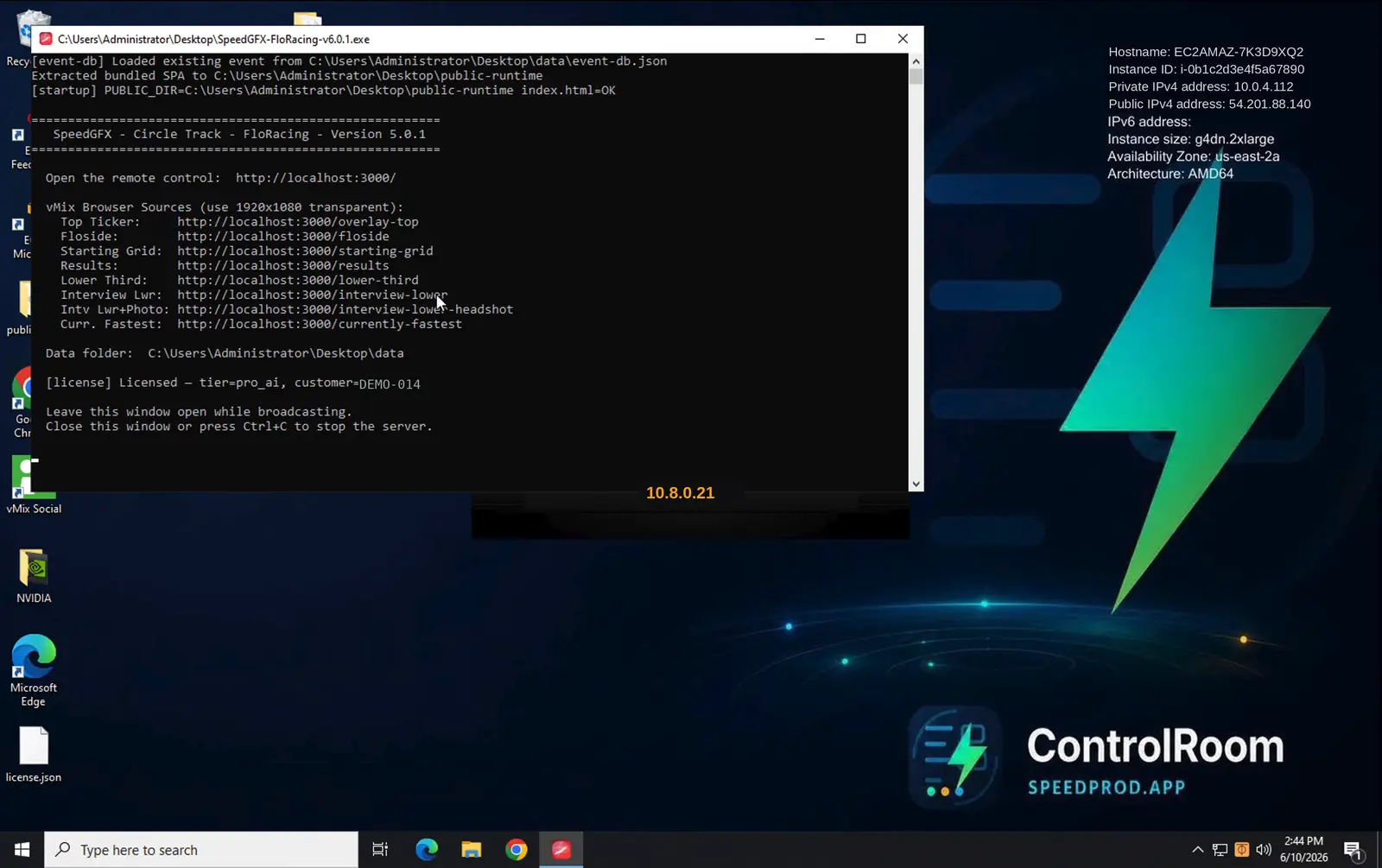
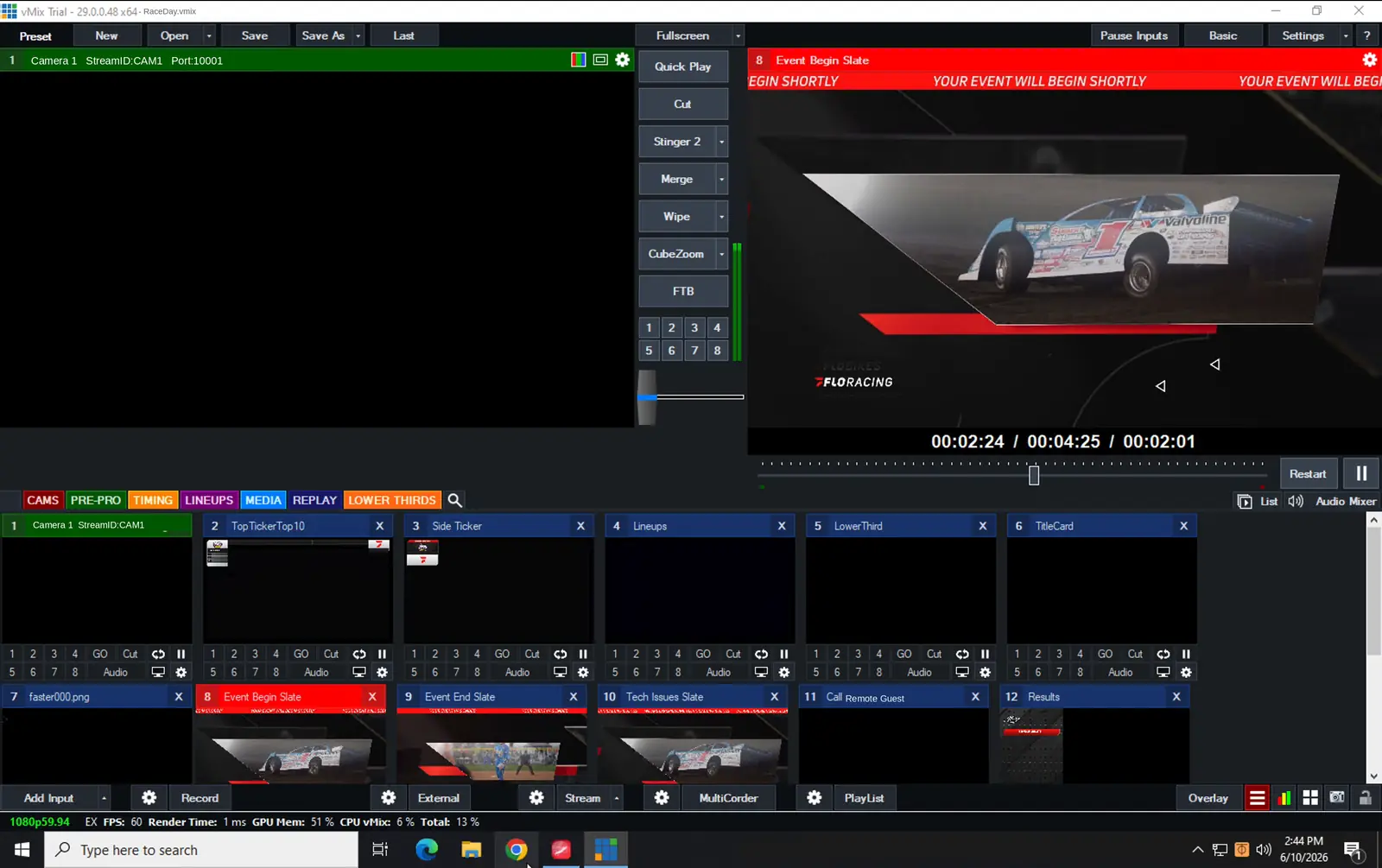
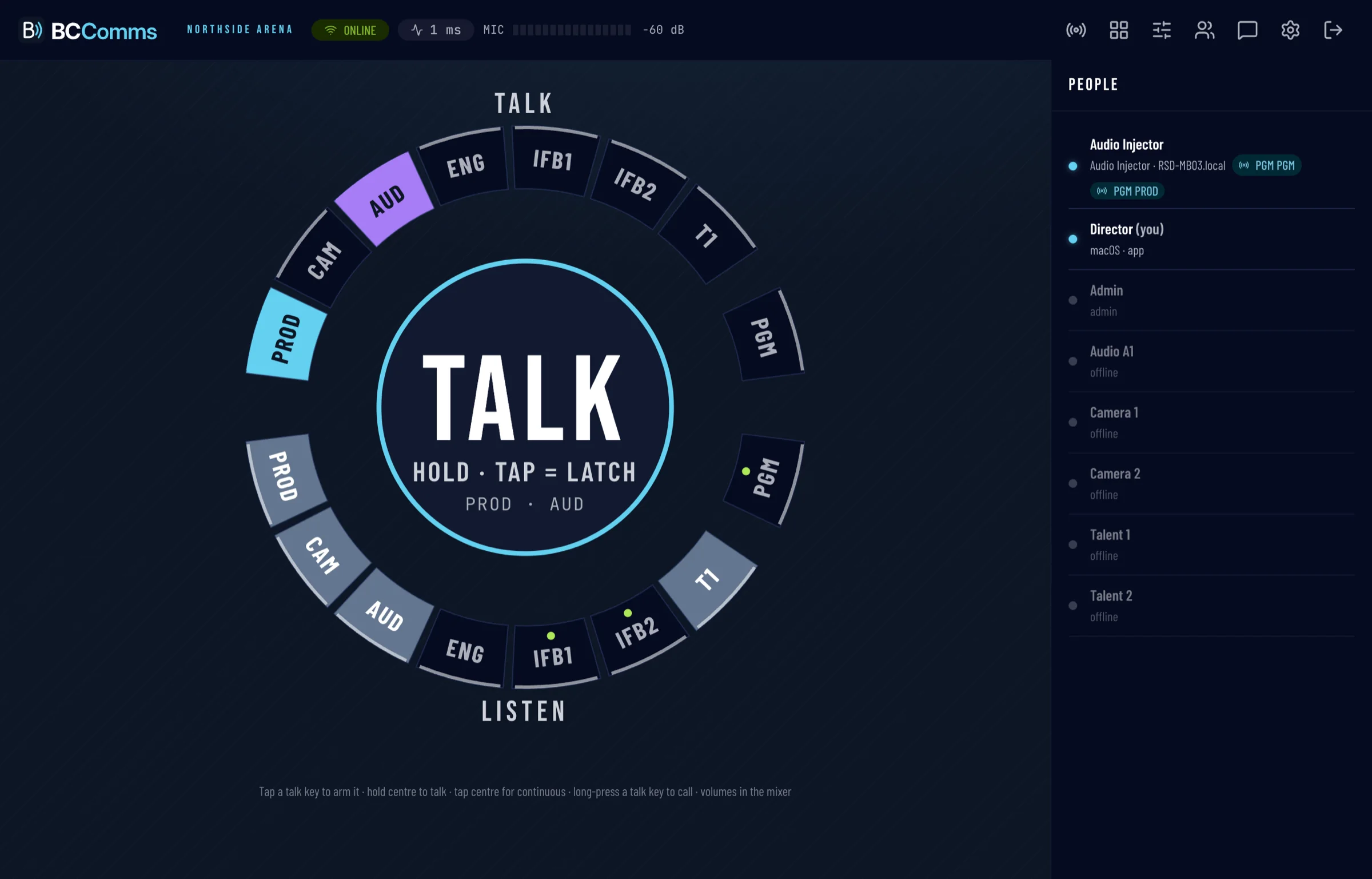
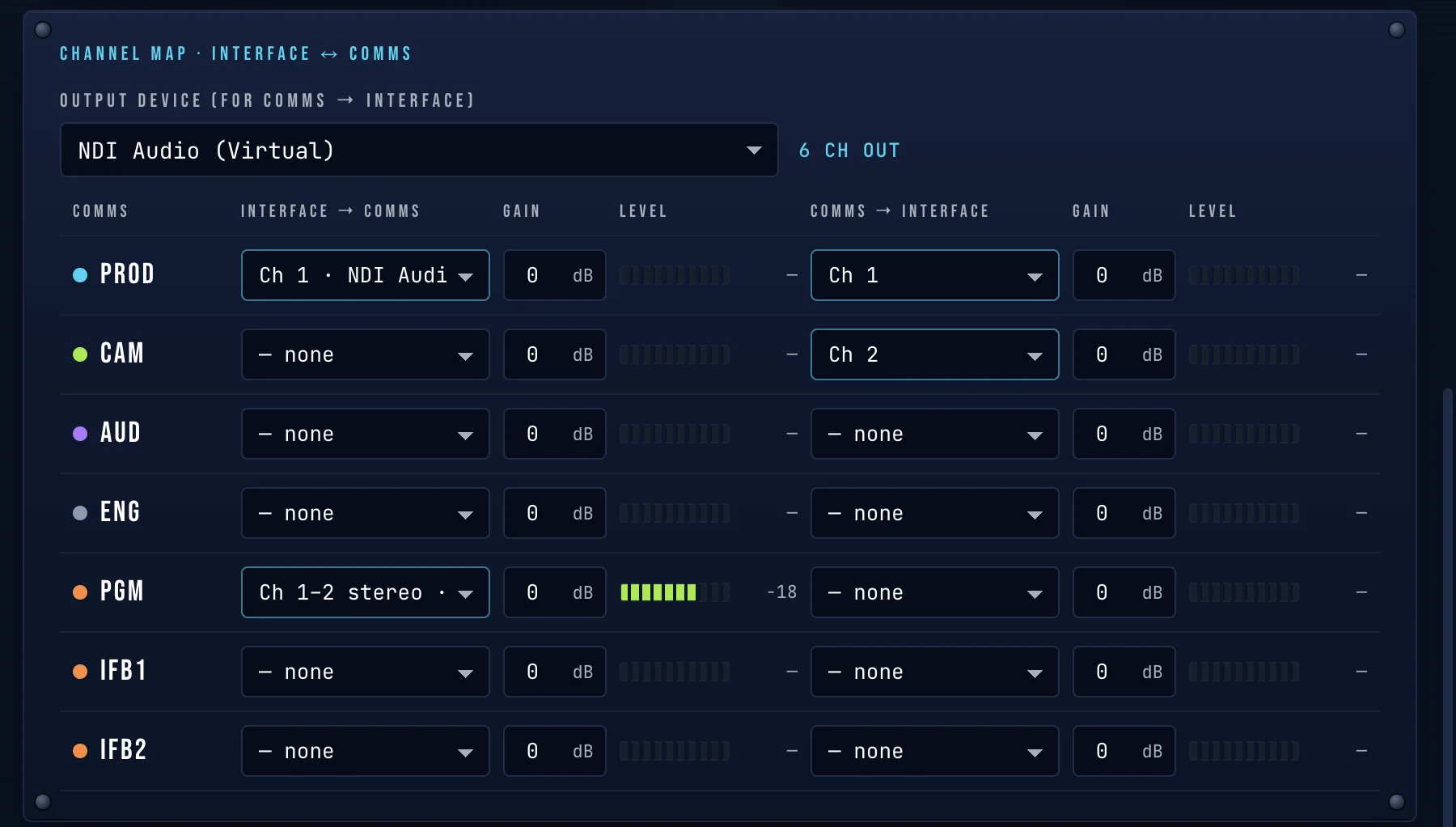
One console runs the whole fleet.
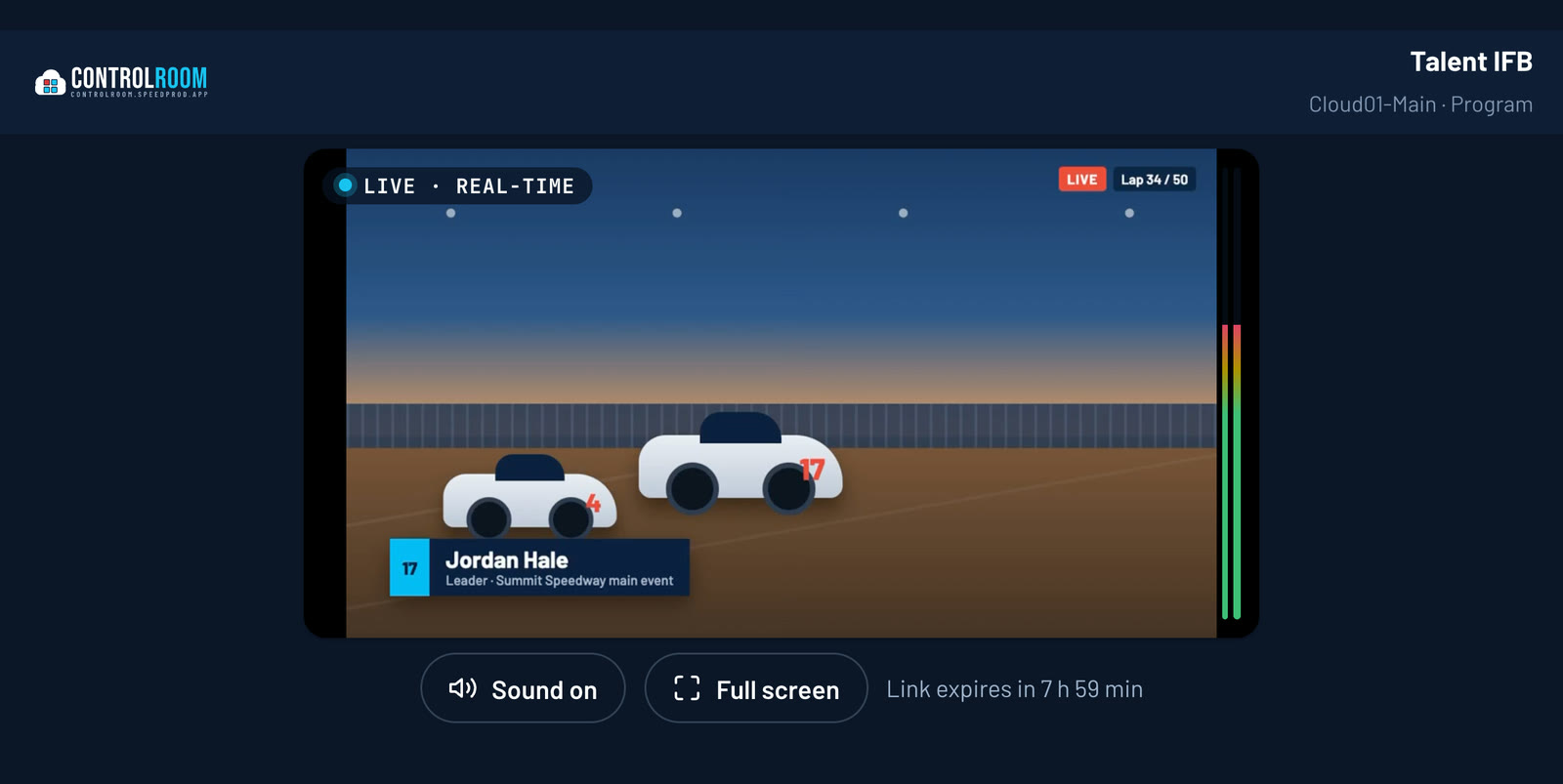
Behind every show is the Control Room at controlroom.speedprod.app — start and stop boxes across regions, watch every feed in real time, restream to any platform with disconnect protection, send crew a sub-second return feed, and watch real cost tick. All behind a role-based login.
Start the fleet in a tap
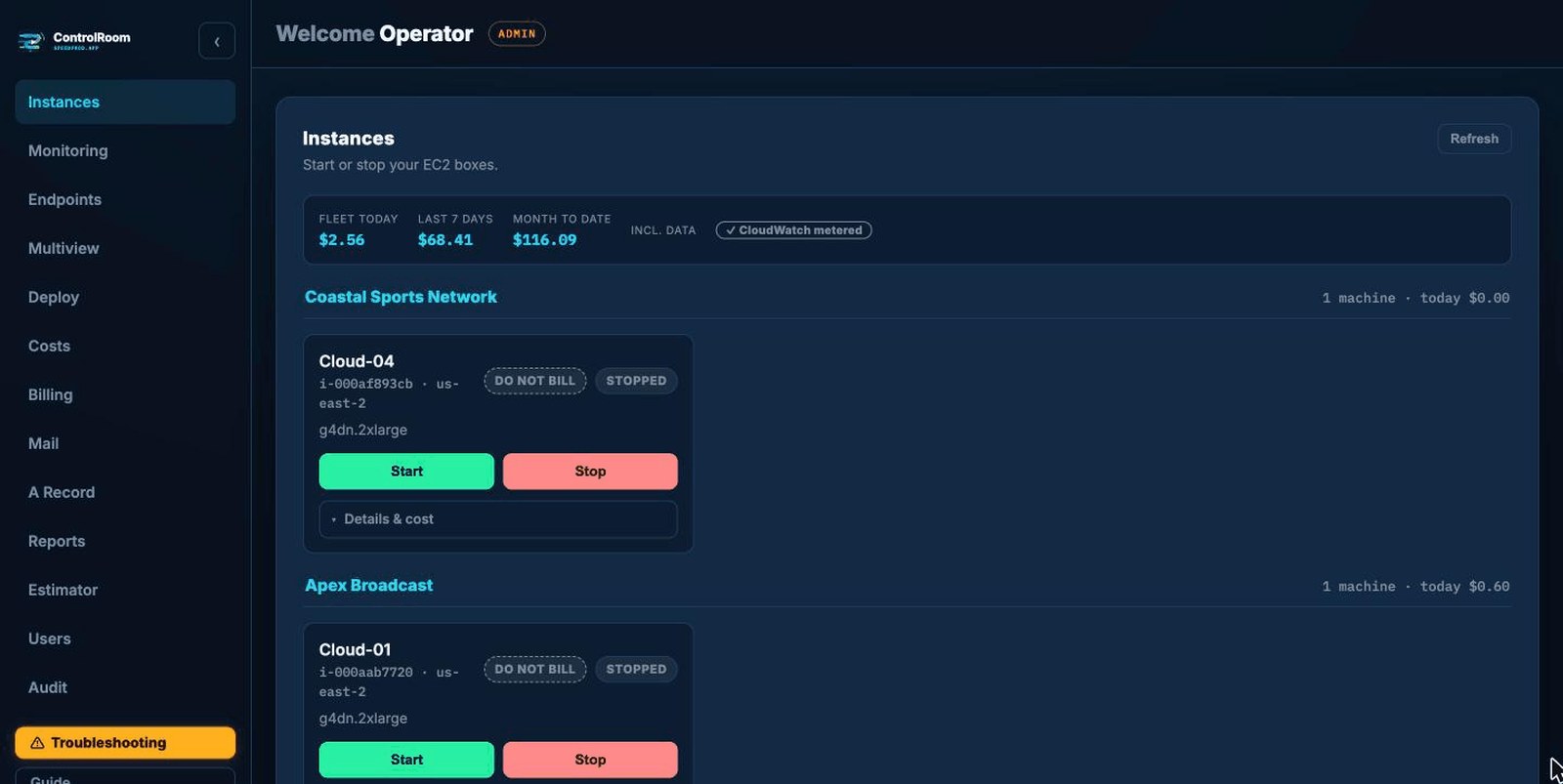
Bring boxes up and down across AWS regions from one console. An instance allowlist is the hard safety boundary — a stray request can't touch anything else in the account.
- Multi-region — finds and routes to each box
- Per-box health checks (TCP or stream probe) with a live dot
- Auto-stop forgotten boxes past an hours cap
- One-click “use IP in DNS”
Eyes on every box
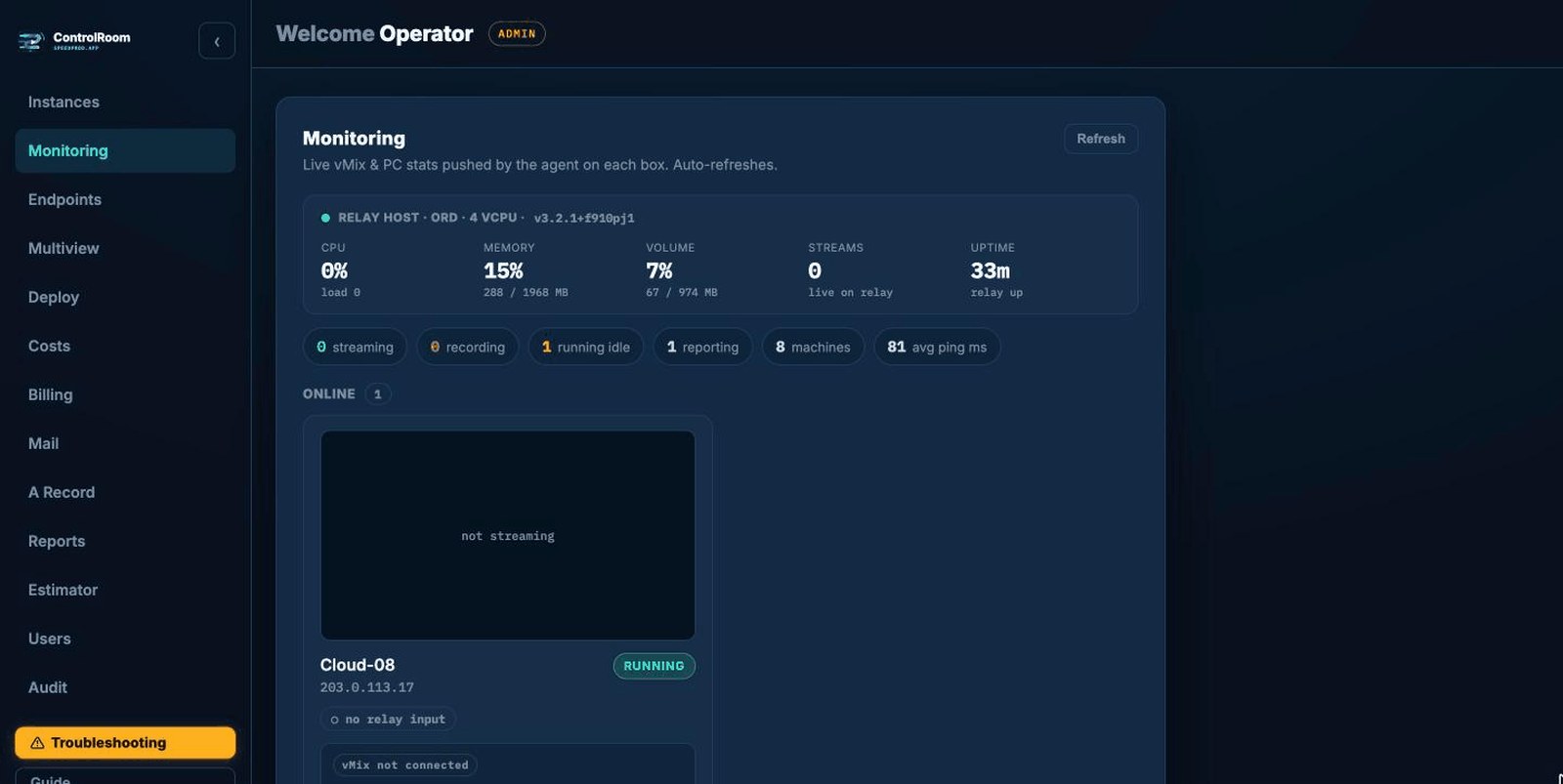
A live video preview of each machine next to its health, so a problem shows up on the wall before it ever hits air.
- Live program preview per box
- CPU / GPU / RAM / disk at a glance
- vMix state and network throughput
- Health dot the moment something drifts
Restream it anywhere
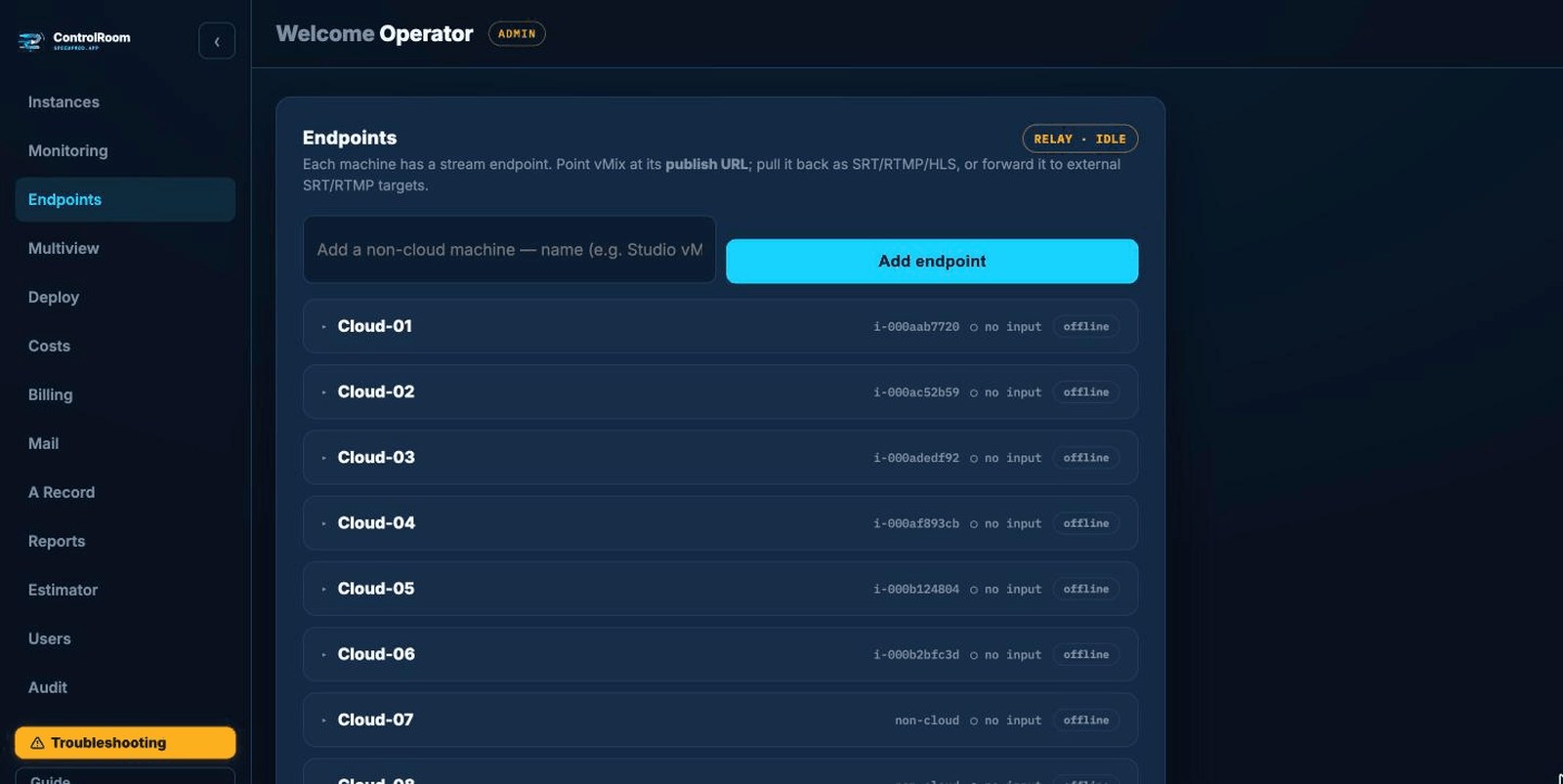
Give each machine a stream endpoint: publish once from vMix, then pull it back or push it onward to wherever it needs to land.
- Publish from vMix to a co-located relay
- Pull it back as SRT, RTMP or HLS
- Forward to external targets — CDN or partners
- Always-on relay on a dedicated IP
The whole show on one wall
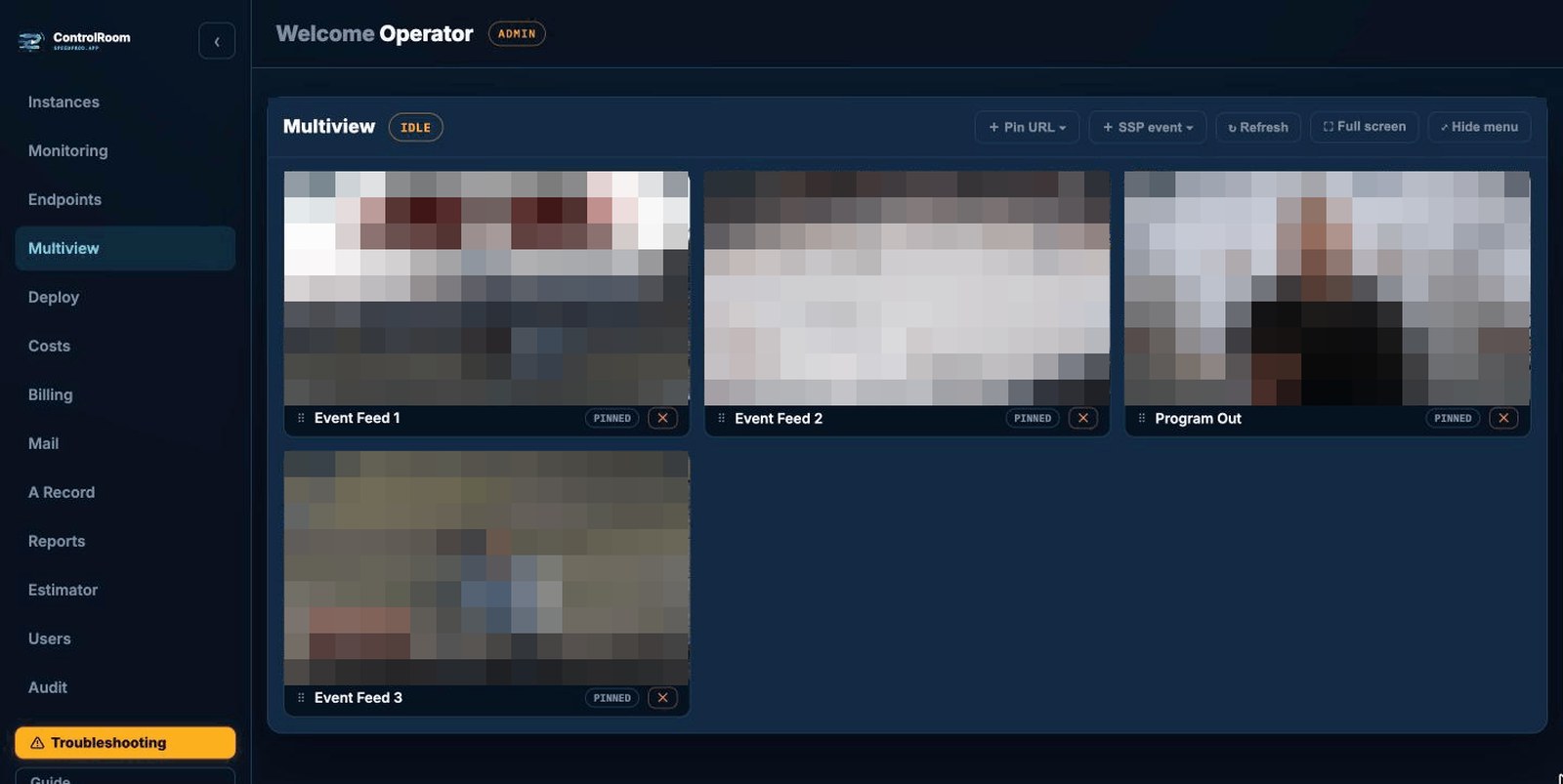
A video wall of every active stream across the fleet, plus any HLS pull URLs you pin — one tab to watch it all at once.
- Live video wall of every active stream
- Pin HLS pull URLs to the wall
- Shows only endpoints that are publishing
- One glance across the whole fleet
One-shot A-record control
Point any record on the domain at a fresh IP with a TTL control. The GoDaddy secret never reaches the browser — a backend holds it and proxies the call.
- Update or create subdomain records from the UI
- Protected records (🔒) refused server-side
- Live lock (🟢) guards records on running boxes
Real cost, while it runs
A live dashboard of uptime plus today / 7-day / month-to-date cost per box, metered from CloudWatch — never a guess. Stop a box and the meter stops with it.
- Run-time from CPUUtilization, data-out from NetworkOut
- Hourly rate and “~$X/mo if left on” projection
- Per-box and fleet-wide totals at a glance
- Admins see true cost; non-admins a configurable markup
Bill it, then quote the next one
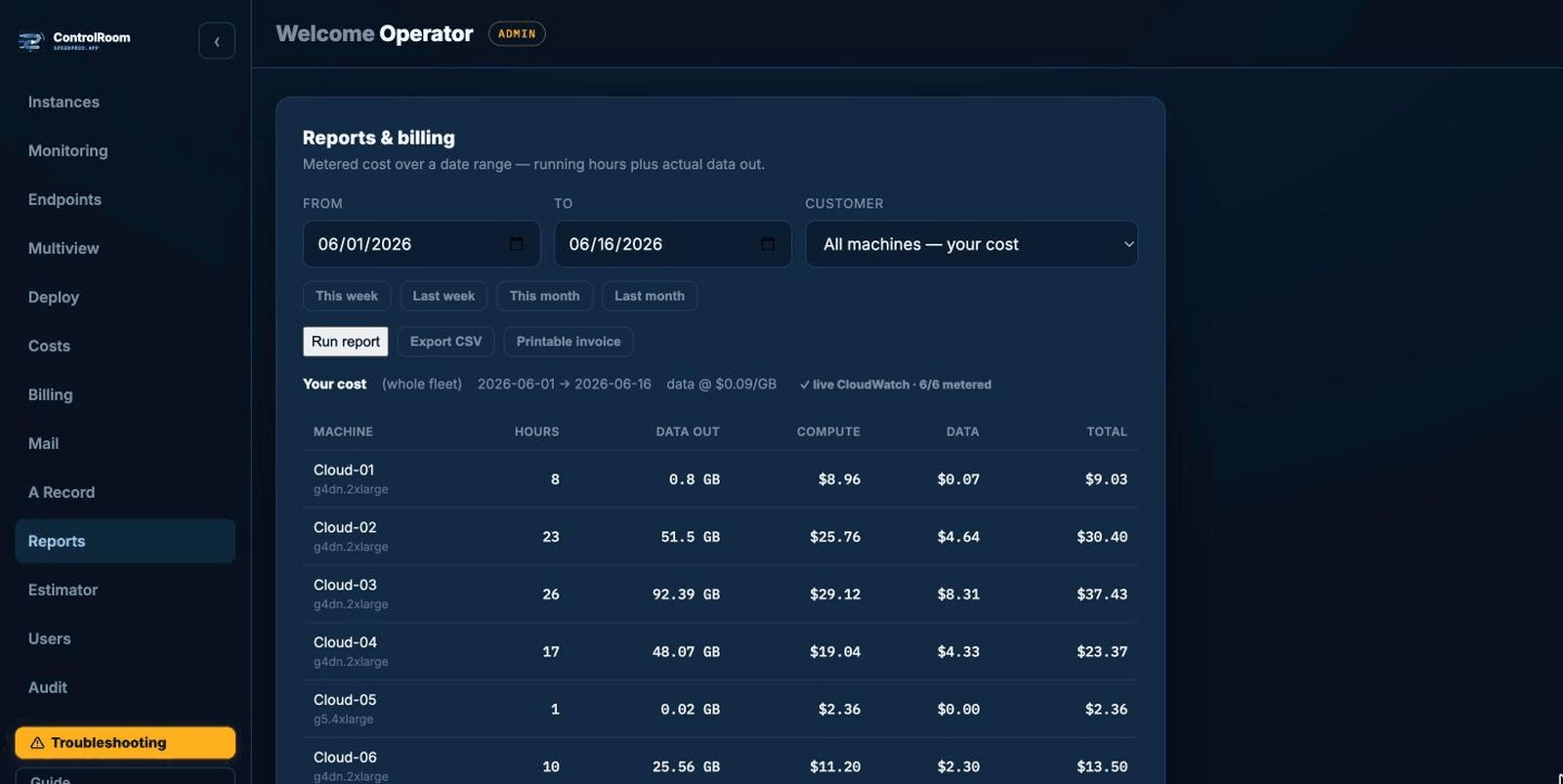
Date-range cost reports scopeable per customer, plus a forward estimator for pricing the next event before it runs.
- This-week / month presets or any date range
- Export to CSV and a printable invoice
- Estimator forecasts cost ahead of the show
- Per-customer scoping for clean billing
Who sees what
Username/password login with server-side sessions. Passwords are scrypt-hashed with a per-user salt — plaintext is never stored.
- Roles: admin, user, and customer-admin
- Per-account scoping of machines and records
- Customer-admins see only their boxes and billing
- Configurable price markup for non-admin sessions